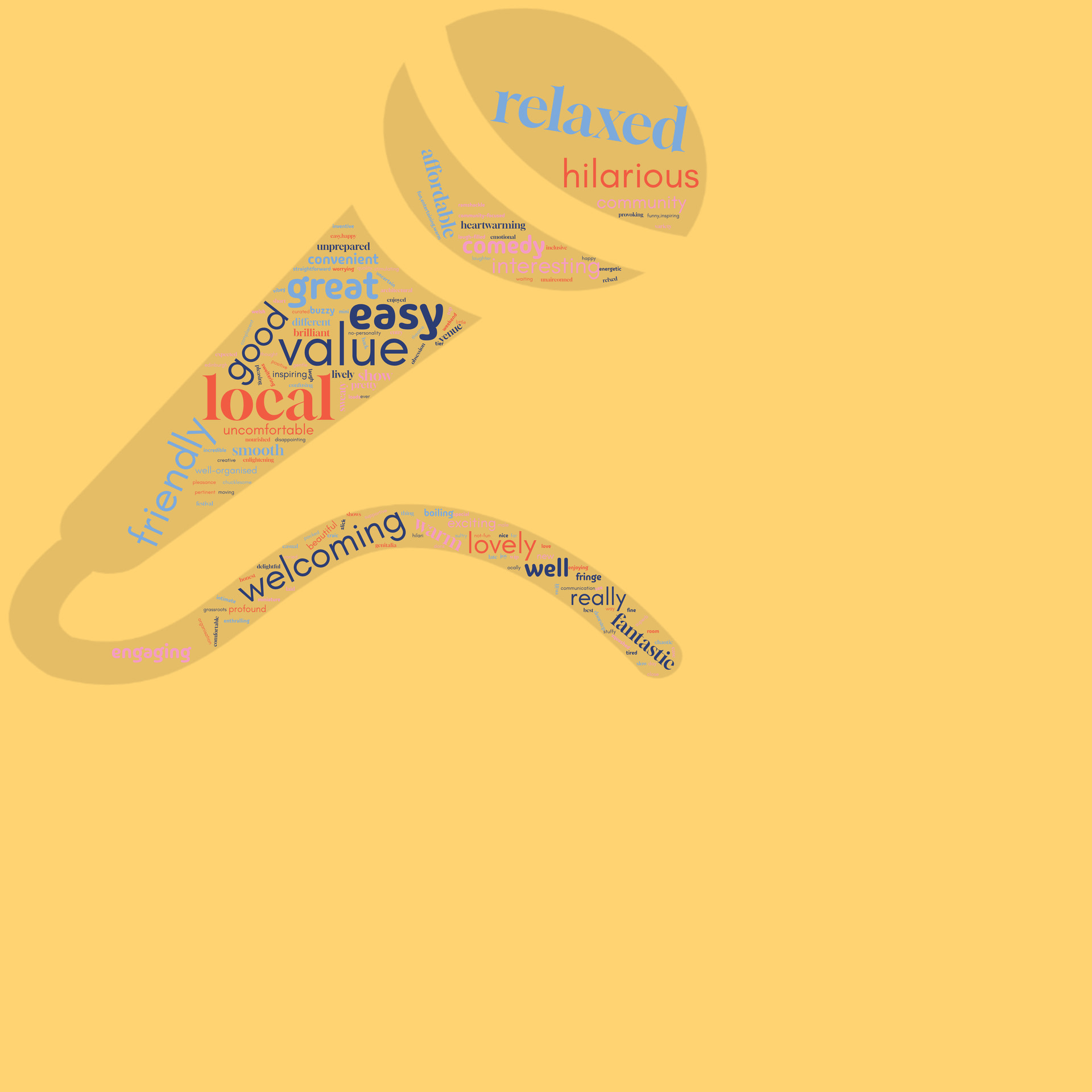
I work for a small charity, we get a lot of survey feedback forms, I use this to make the responses to the ‘3 Words’ question look nice. Sometimes we may only get 10 responses, sometimes over 50. When I used to have fewer responses I could make the words bigger to fit the size of the shape. I don’t want to repeat words as that’s misleading as to the number of responses we received and I don’t like the look. I want the cleaner look of the exact words filling the space. The slider bar only goes up to ‘10’ now, i am sure it used to go up to ‘100’ or so. I’ve had to resort to making the shape smaller, but that doesn’t always work and means I have to remove the background.
Can the size of the words please return to a scale of 0-100, instead of 0-10? Or is there a setting I can’t see? Is there a way to set it to auto-fill to fit the size of the shape for example?
Thank you for your super swife treply! I’ve trie dthis now and this pic is with 157 words, and it’s extended up to 25. I just don’t know how to make the words bigger
Bigger than 25 is not possible. Make individual Words bigger. Filling a complex shape with so little words and no repeat is difficult. Only thing to try is changing sizes in the word list.
Can you try this? https://we.tl/t-esysaXBEzFEhXbHy
I’ve modified the word weights, made them larger. And the microphone shape had a lot of whitespace around it… I removed that too.