Yesterday, March 2nd 2026, we released a new version of the photocollage.com website. Here’s a summary of the new features.
You can now drop an entire folder of images or browse to a folder to create a collage of all images in that folder.
More operations are now working for a selection of photos (instead of just on a single photo). Select multiple photos by holding [Shift] and then clicking some photos on the canvas.
You can add shapes to your collage: lines, arrows, rectangles, circles/ellipses, triangles, hearts and stars. All in any size and color.
You draw freely on a collage (free hand drawing). Adjust the stroke width and color.
You can add speech bubbles to a collage, in any shape, color and font you like.
Add tooltips and post-it notes, again in any color and font you fancy.
We hope you enjoy the new possibilities. Drop any questions you might have below. Thank you and enjoy creating more collages!
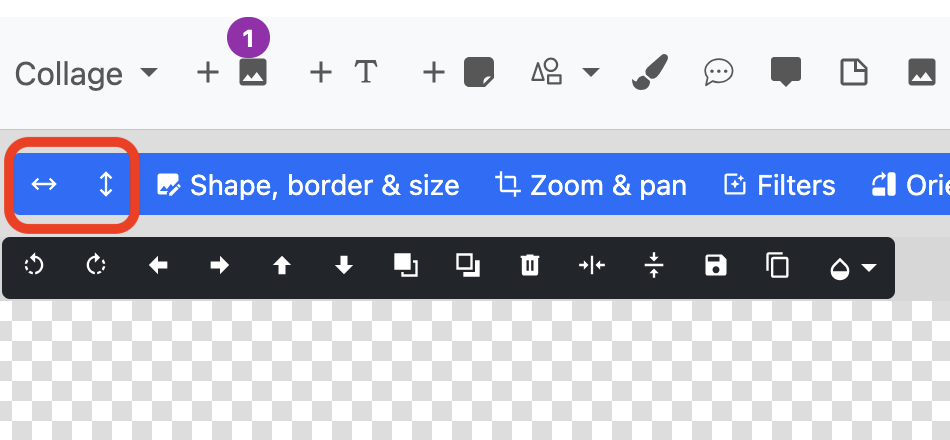
Bonjour bravo et merci pour ce site est ses fonctionnalités ! Mais je ne trouve plus la fonction qui permet d’inverser le sens de l’image comme un miroir, mettre un élément à gauche alors qu’il se trouve à droite par exemple. J’ai trouvé la section orientation mais pas cette fonctionnalité là qu’il y avait avant. Pouvez vous m’éclairer svp ou a t-elle été supprimée ? Merci
The new update looks great, but we’ve lost the Z hotkey for Zoom & Pan. It’s handy for framing lots of photos quickly (like in templates with 15-20 images) to press Z, use the mouse to align the preview, then hit Esc and go to the next. Could restore the hotkey? Thanks!
The ‘z’ keyboard shortcut (Zoom & Pan) is back. So is ‘x’ for opening the photo filters dialog.
Also note that panning/zooming a photo can be done without opening the “Zoom & Pan” dialog window at all. The following keyboard shortcuts might speed up the zooming & panning process significantly. Select a photo, then use the following keys: